
Migrate old accounting software data into clean import-ready files
Upload legacy sales or purchase data from any accounting software, map source columns to standard fields, and export clean files for your new accounting workflow without manually re-entering years of transactions.
Key differentiators
CSV, XLSX, and small legacy XLS upload flow for old accounting software data
Header preview, source-to-target field mapping, and reusable mappings for similar files
Background conversion into structured accounting import files with migration history
Migration workflow
How Accounting Data Migration works
Upload legacy accounting files, map old columns to standard fields, reuse saved mappings, and generate import-ready output files without hand-entering years of transactions.
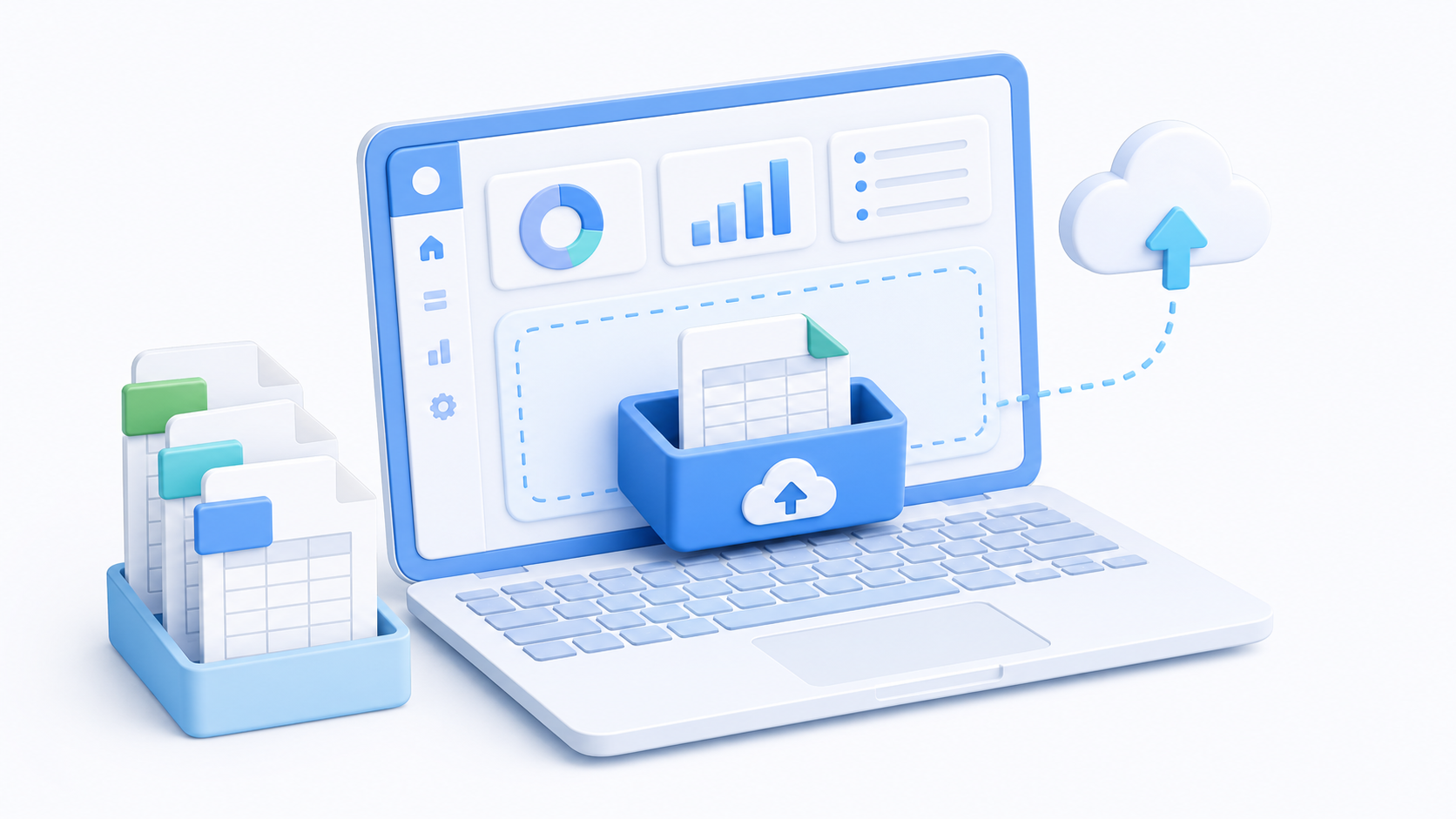
Upload Old Software Data
Upload CSV, XLSX, or small legacy XLS sales and purchase files from older accounting software. The migration flow reads headers and sample rows first so users can review the file structure before conversion.
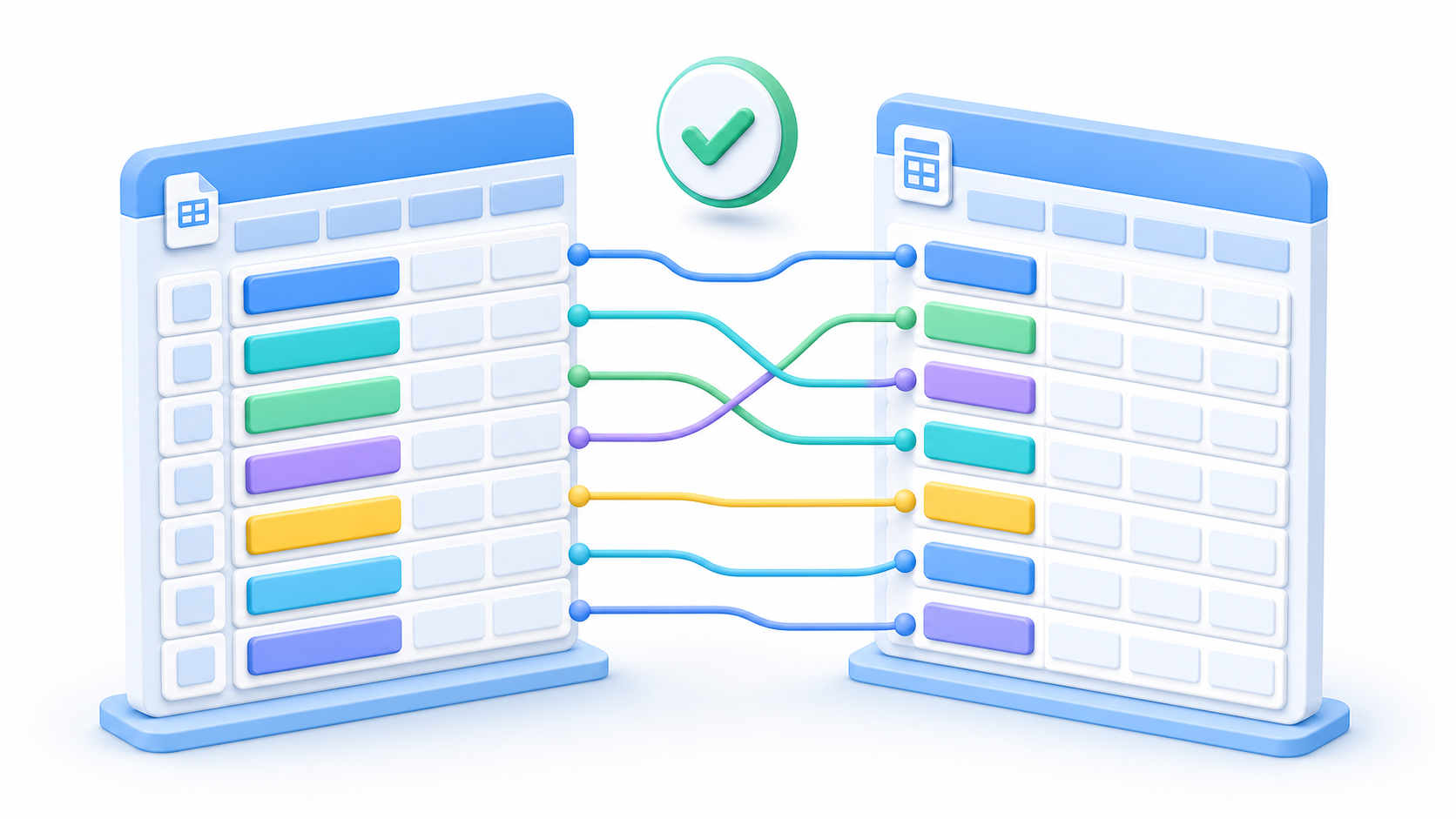
Map Source Columns
Map uploaded headers to standard accounting fields such as voucher number, date, party name, GSTIN, item name, HSN, quantity, taxable value, and GST amounts.
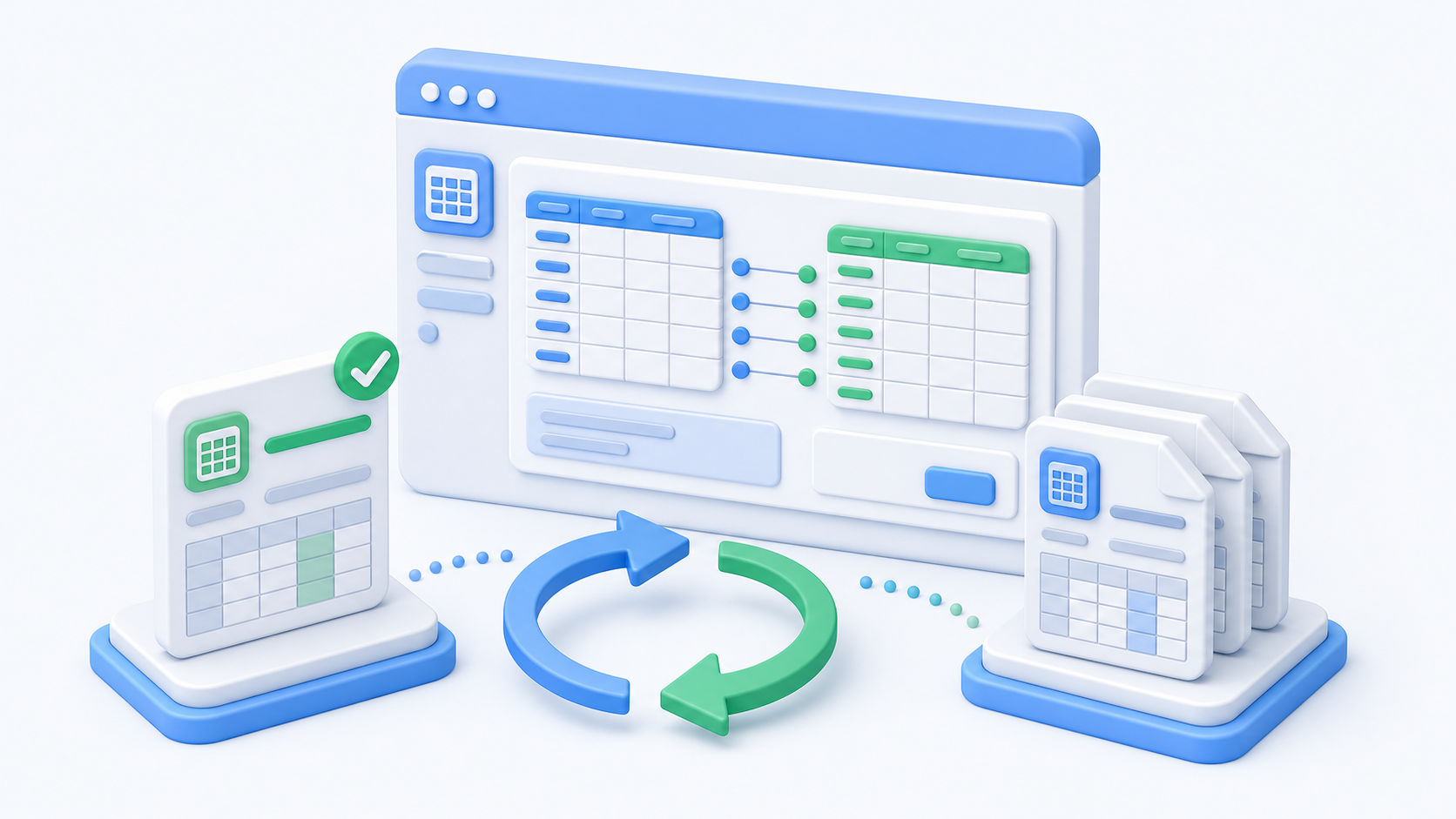
Save and Reuse Mappings
Save a mapping for similar files from the same old accounting software, reducing repeat work when migrating multiple years, clients, branches, or file batches.
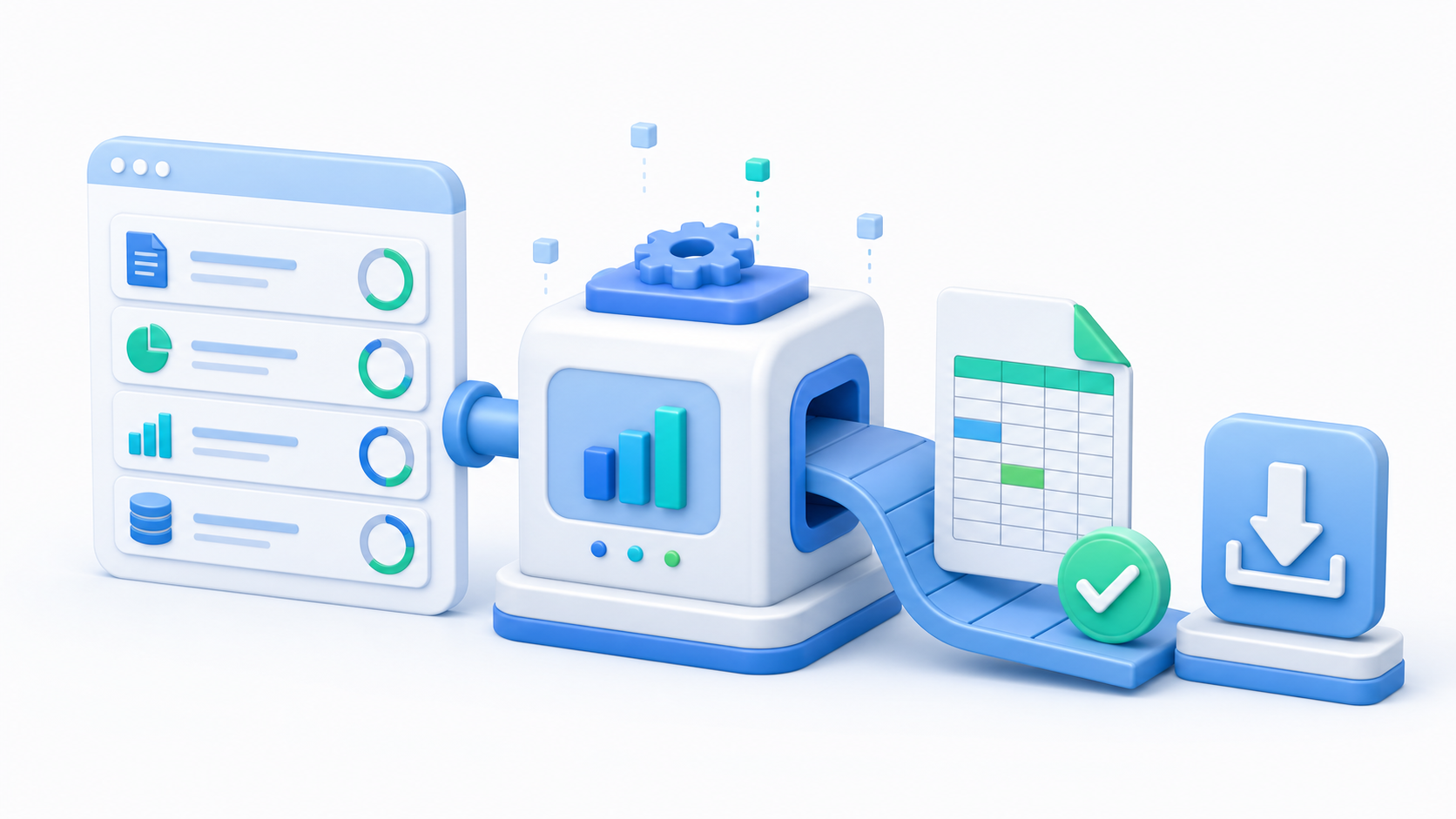
Download Import-Ready Files
Run conversion in the background and download structured output files that are ready for the selected target accounting workflow, without manually re-entering old transactions.
Common fields supported for accounting migration
The mapper supports common sales bill fields from old accounting software exports and converts them into a standard internal structure before generating the target output.
Designed for safe migration work
Start with one migration flow, extend later
The migration module starts with sales bill data and can later support purchase data, more source formats, more target accounting formats, and billing per migration without changing the user flow.
Frequently asked questions about Accounting Data Migration
Everything you need to know before getting started.
Questions about migrating old accounting software sales and purchase data into clean import-ready files.
Accounting Data Migration helps teams upload old accounting software files, map their columns, and convert the data into clean import-ready output files for the target accounting workflow.
Still have questions? Visit our Support page or reach us directly.
Start Free Trial