
How Sales Bills work
Enable Sales Bill workflows, create direct invoices, review every accounting entry, and keep the approved flow aligned with GST reports and exports.
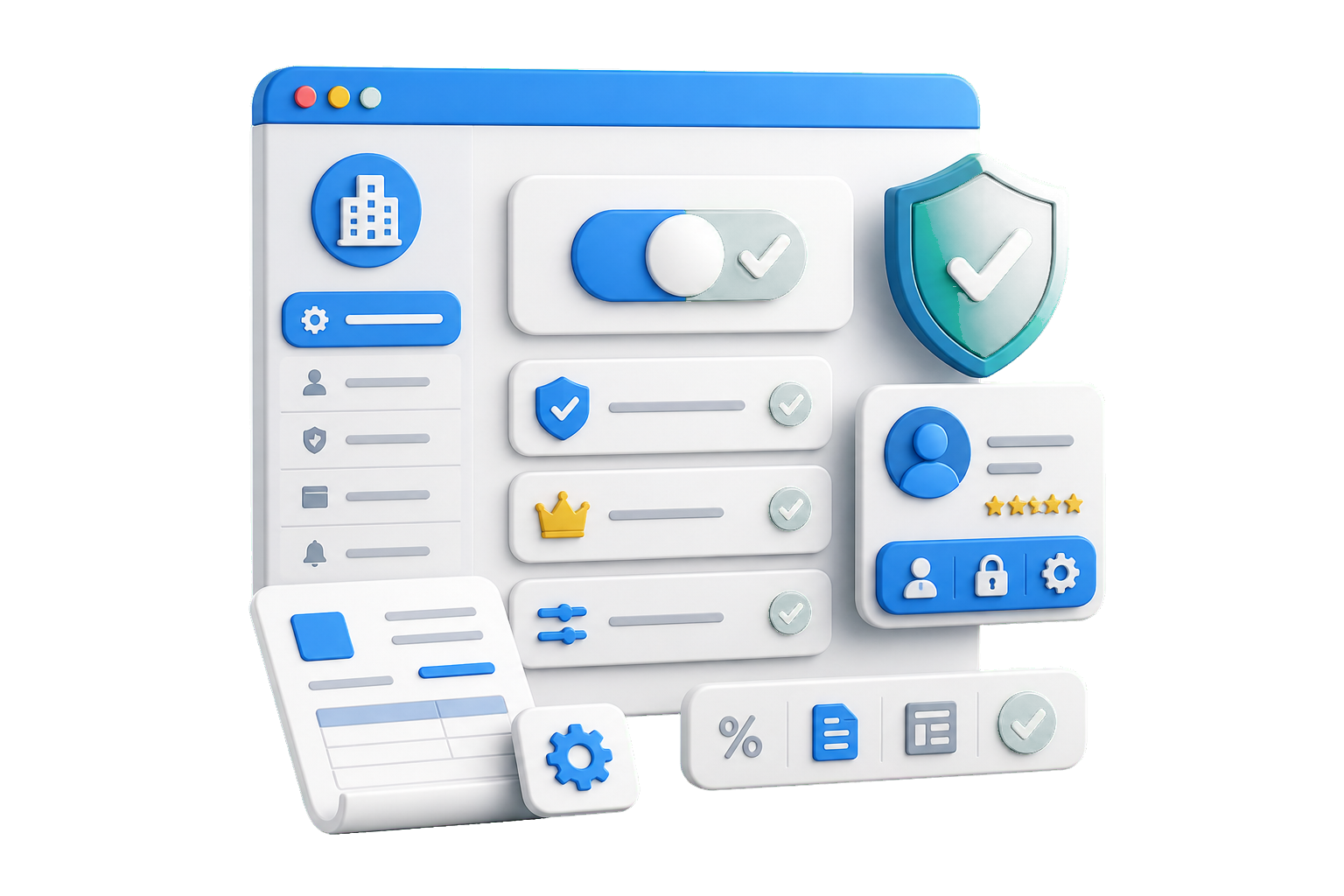
Enable Direct Invoice Entry
Turn on Direct Invoice Entry for the organization, confirm plan access, set print defaults, and keep billing permissions controlled for each admin role.
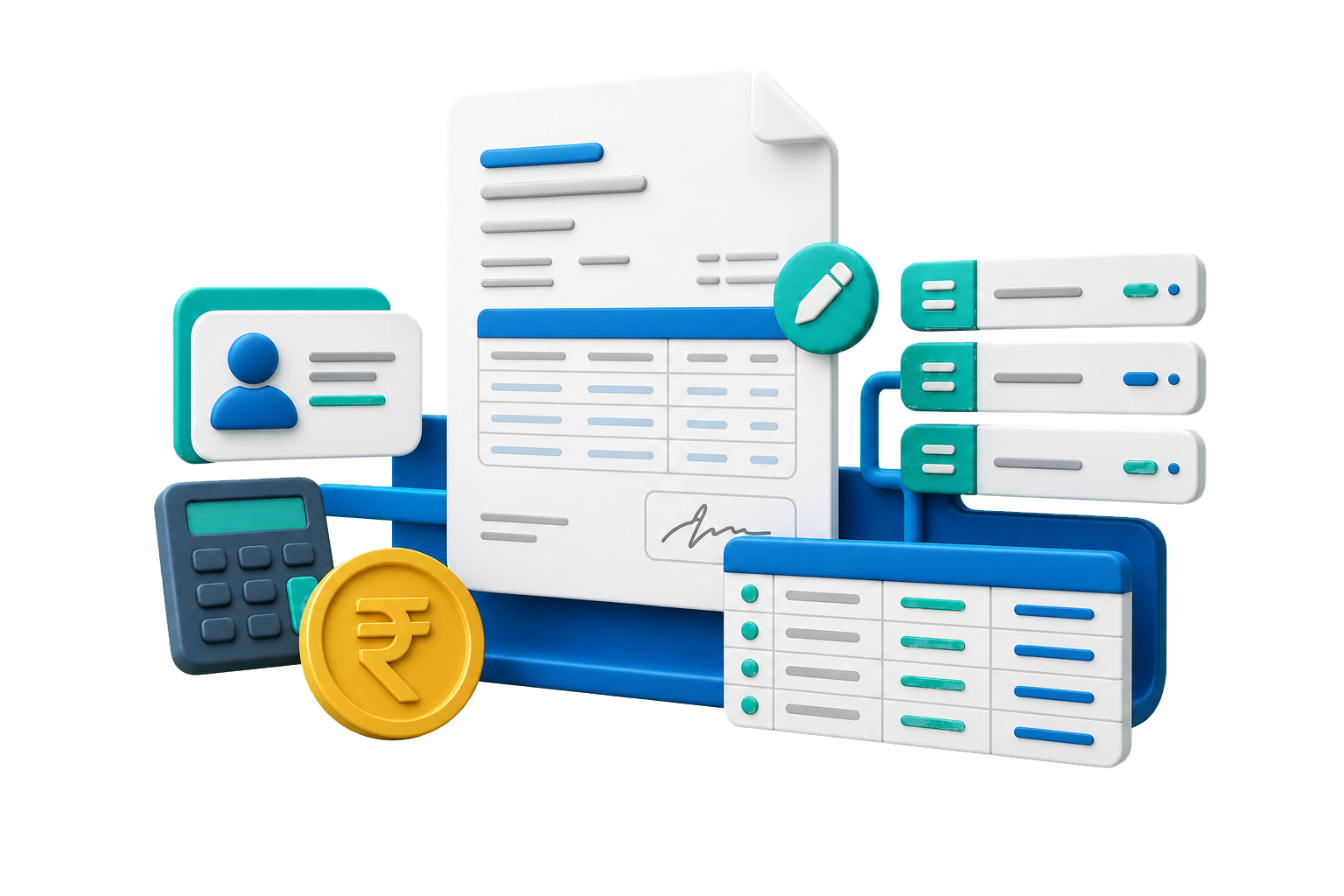
Create Invoices and Ledger Rows
Enter direct sales, offline invoices, service bills, adjustments, and party-ledger rows when the data is not coming from marketplace uploads.
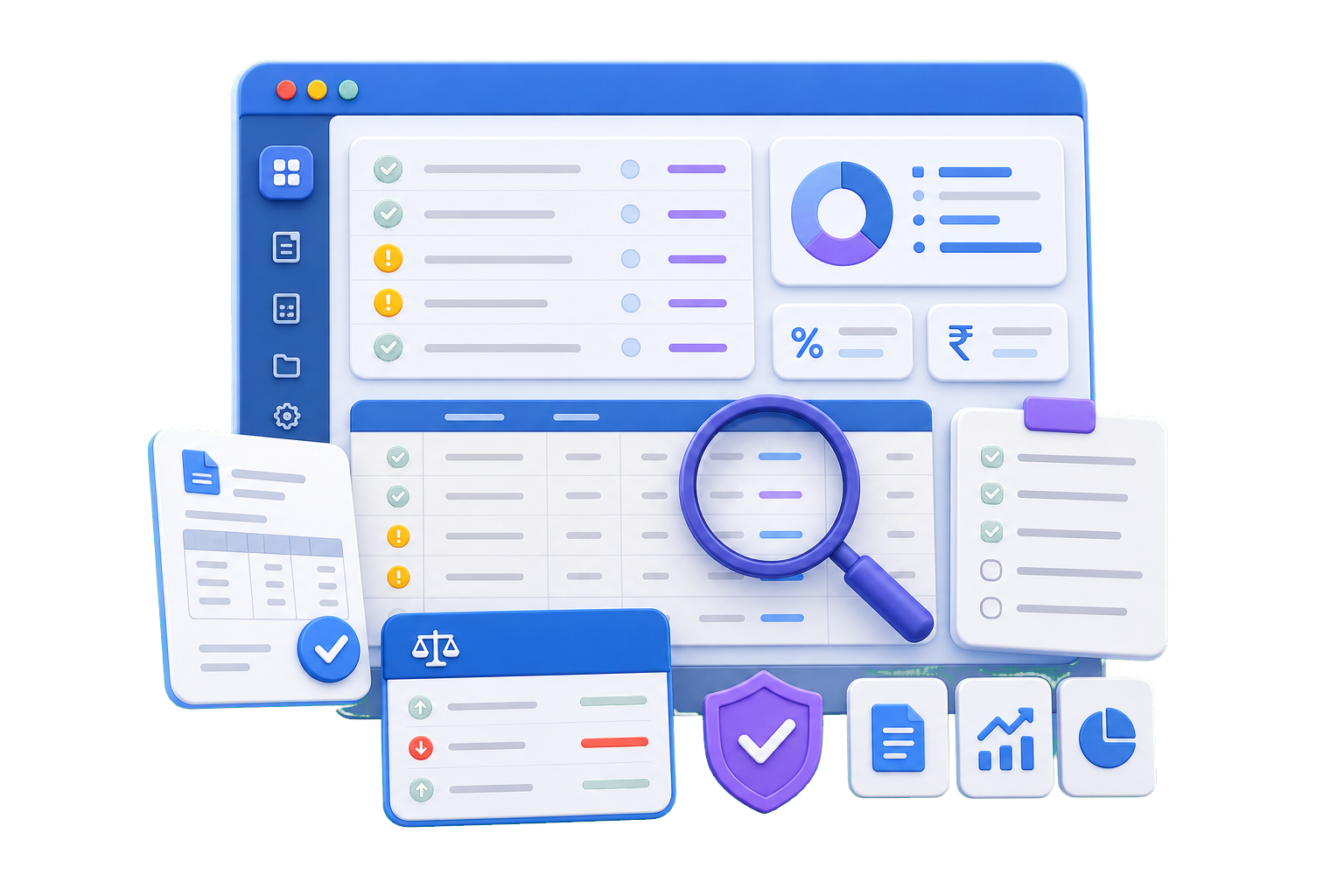
Review Accounting Flow
Review invoice values, GST rates, document numbers, ledger impact, and exceptions before sales bill entries flow into reports and exports.
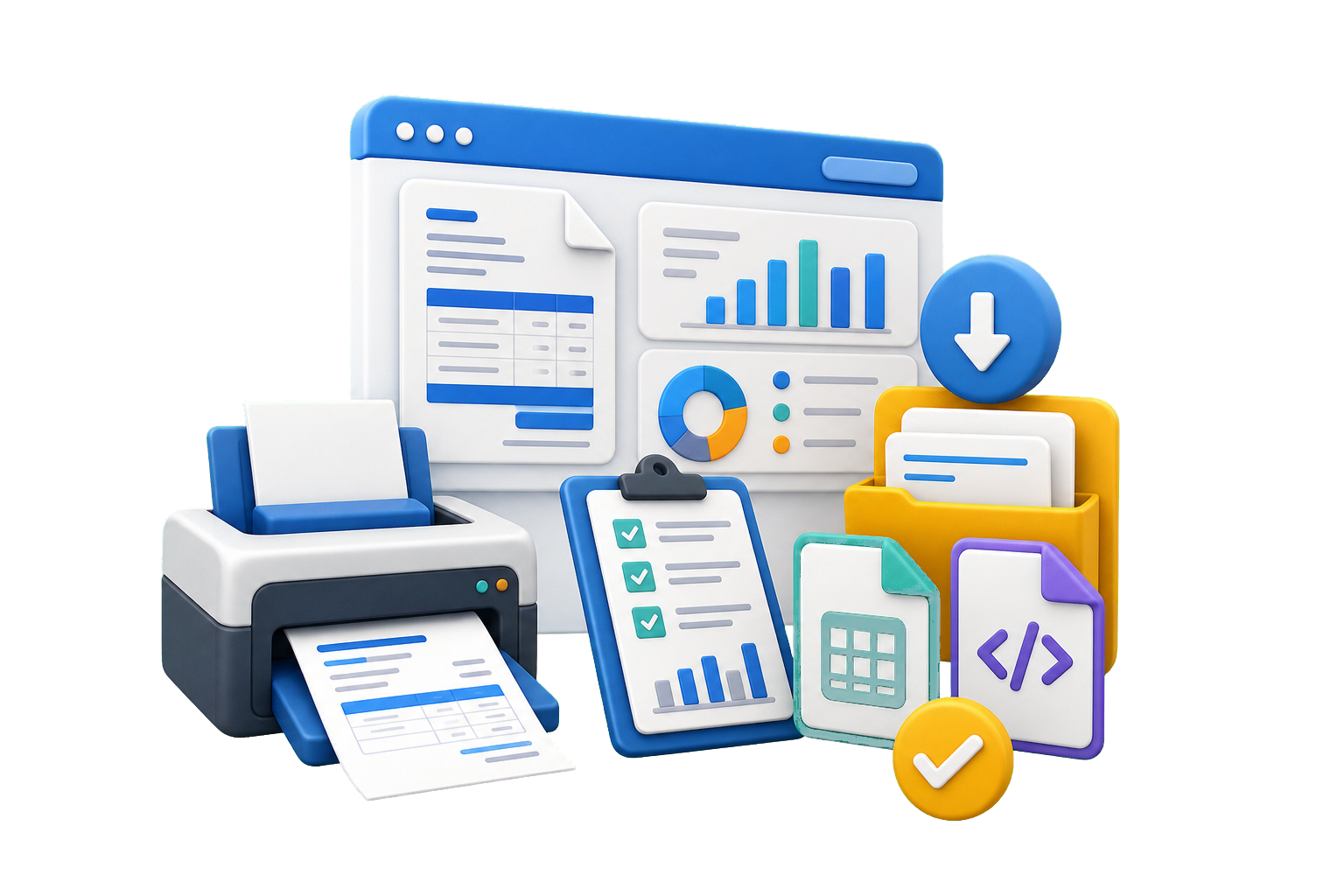
Print, Report and Export
Use editable invoice templates, generate accounting-ready records, and keep Sales Bill workflows aligned with GST reports and operational exports.
Review and flow
Keep direct invoice entries controlled before they affect reports
Direct Invoice Entry is useful when marketplace imports do not cover every transaction. The review layer helps teams confirm invoice and ledger details before data moves into GST and accounting outputs.
Sales bill entry, review, templates, and accounting-ready data for controlled billing workflows.
Frequently asked questions about Sales Bills and Direct Invoice Entry Software
Everything you need to know before getting started.
Questions about sales bill entry, template control, accounting exports, and operational invoice workflows.
Direct Invoice Entry lets teams create sales bills directly inside the platform when data is not coming from a marketplace file. This is useful for direct sales, adjustments, and mixed operational workflows.
Still have questions? Visit our Support page or reach us directly.
Start Free Trial