
How WhatsApp campaigns work
Connect the Meta Cloud API, build approved templates, upload recipients, schedule campaigns, and track every delivery outcome.
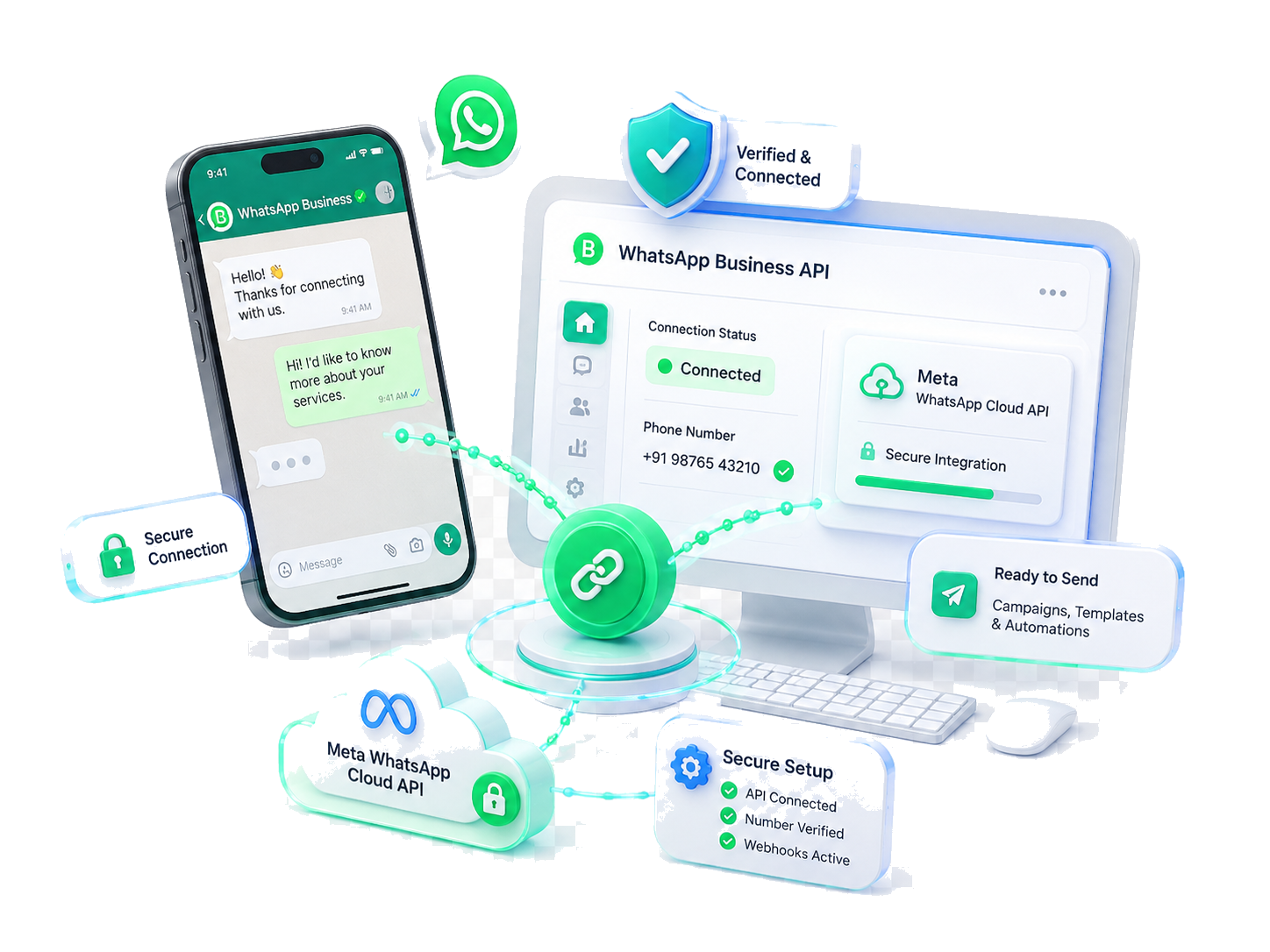
Connect WhatsApp Business
Connect WhatsApp Business through Meta WhatsApp Cloud API, verify the phone number, confirm webhook setup, and keep the account ready for secure client messaging.
Key Features:
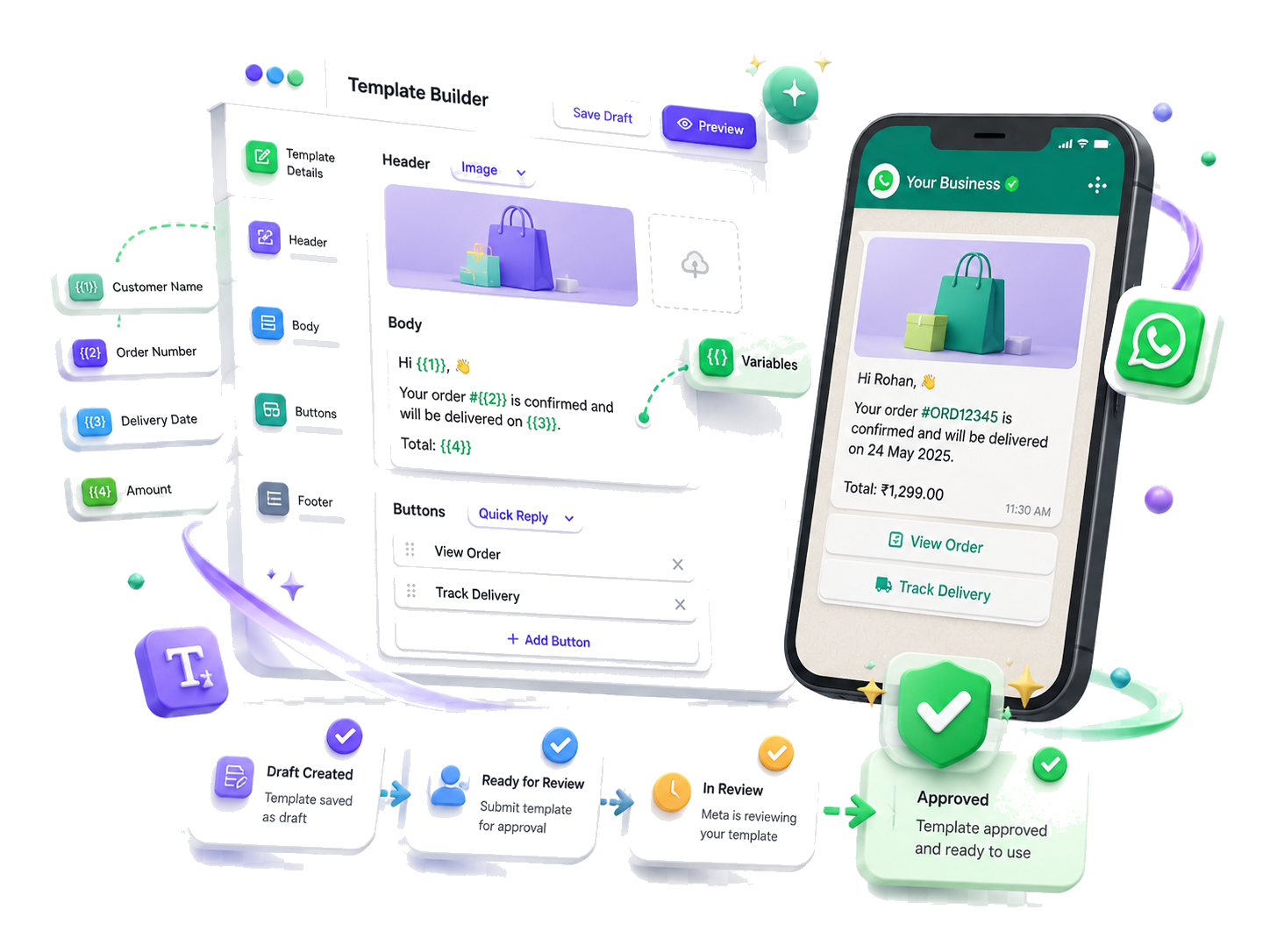
Create & Submit Templates
Build approved WhatsApp templates with headers, body copy, variables, quick-reply buttons, and preview content. Submit drafts to Meta and track review, approval, and ready-to-use status.
Key Features:
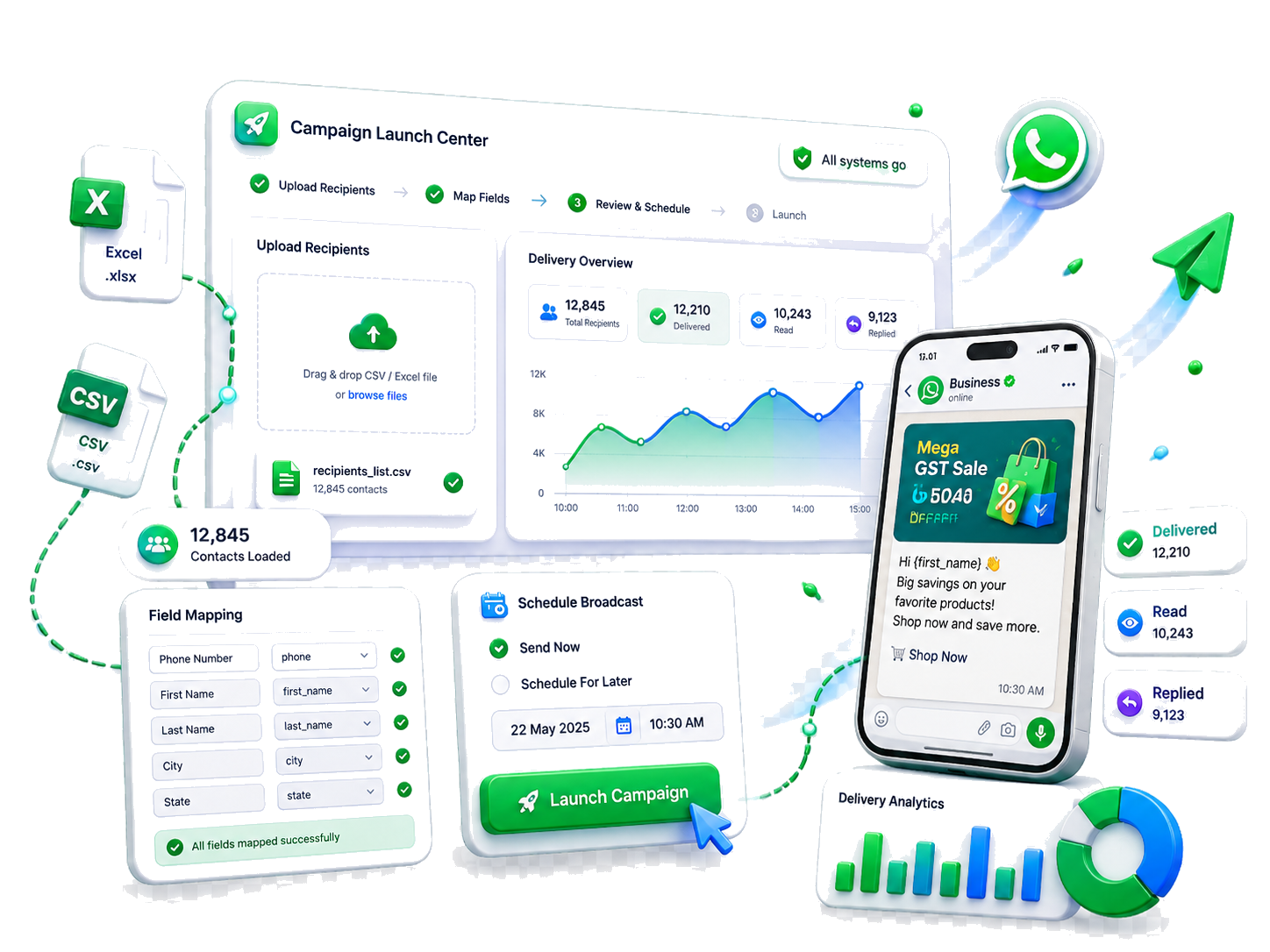
Upload Recipients & Launch
Upload CSV or Excel recipient lists, map phone and personalization fields, schedule broadcasts, launch campaigns, and monitor delivered, read, replied, and failed counts in real time.
Key Features:
Template messaging, scheduling, and delivery tracking for client communication.
Frequently asked questions about WhatsApp Campaign Software
Everything you need to know before getting started.
Questions about WhatsApp Business templates, broadcasts, wallet usage, delivery tracking, and outreach workflows.
Yes. onebooksgst includes a WhatsApp Business messaging workflow where teams can create approved templates, import recipient lists, schedule broadcasts, and track campaign performance.
Still have questions? Visit our Support page or reach us directly.
Start Free Trial